Your tasks in orbit. Always within reach.
Manage tasks, collaborate on shared boards, and let Orbital AI do the busywork — all from one beautifully simple app.


- Private & secure
- Free to start
- iOS & Android
Core features
AI superpowers
Native apps
Free to start
Features
Built for the way you work
Powerful where it counts, simple everywhere else. Here's what you get out of the box.
Everything you need to stay organized
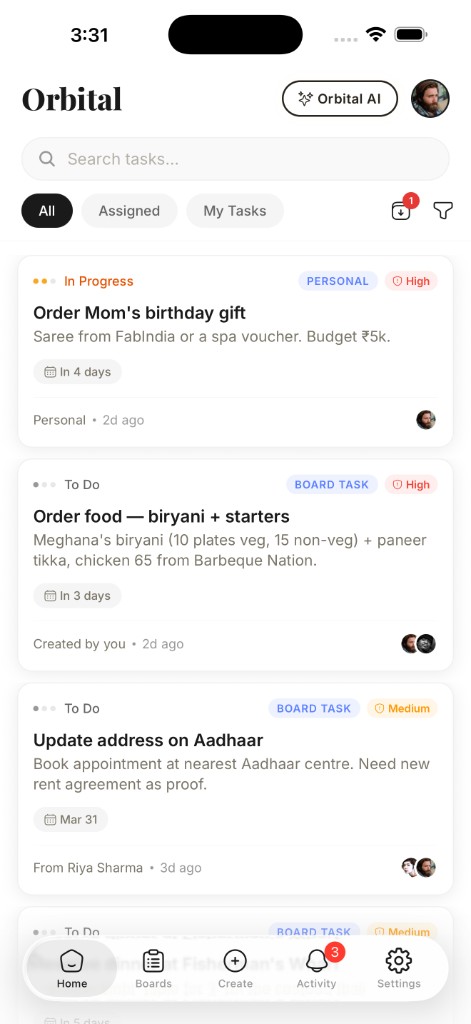
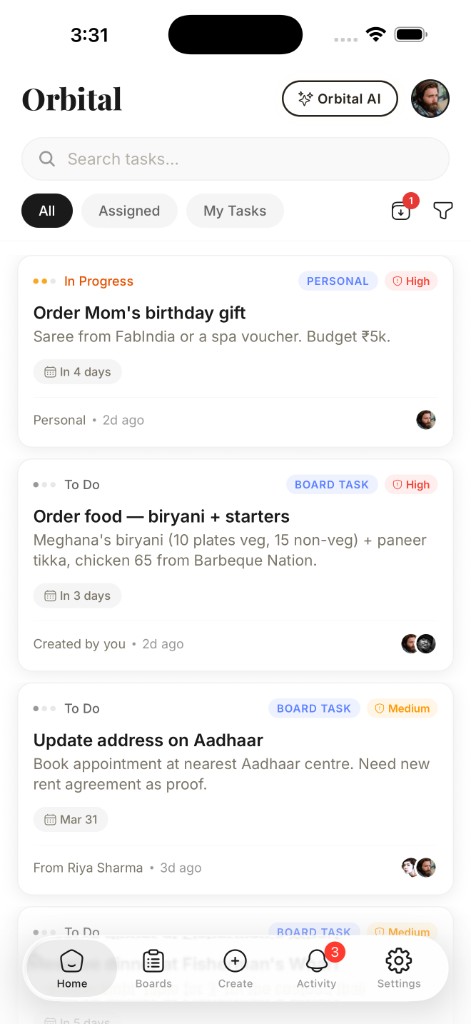
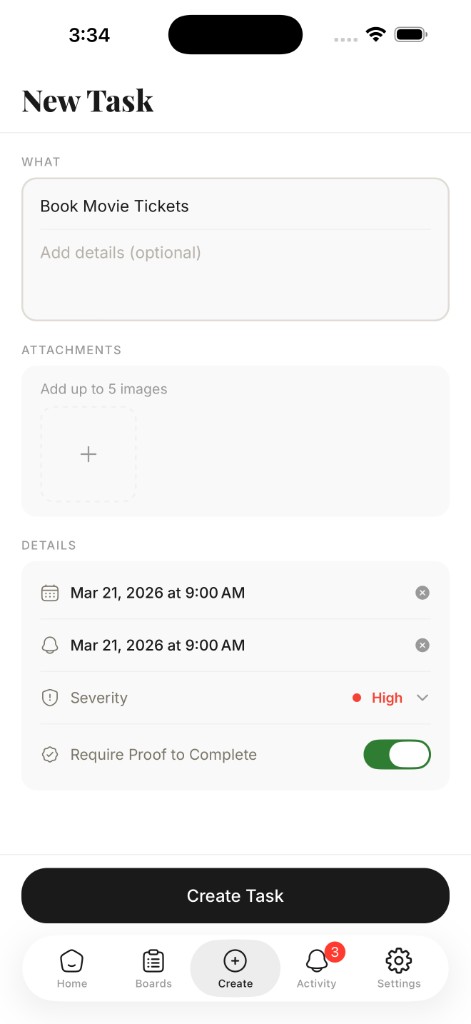
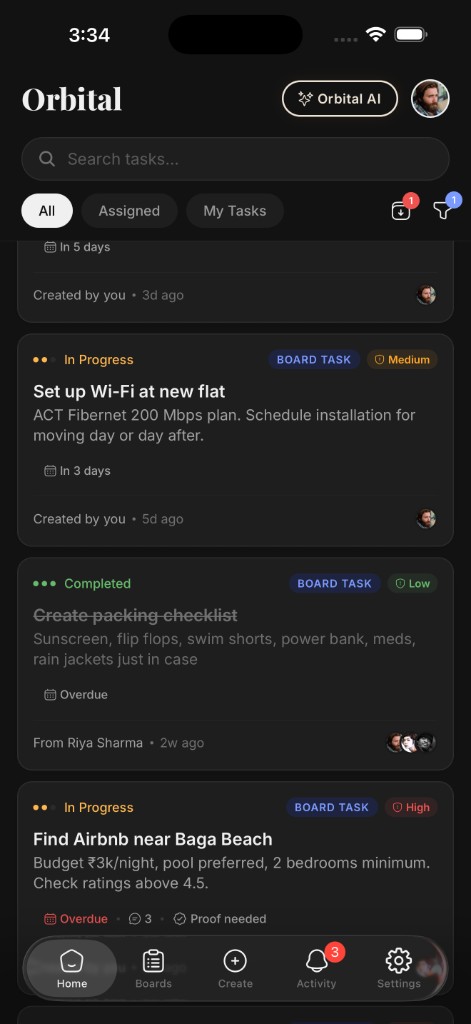
Create tasks with priorities, deadlines, and severity levels from low to critical. Attach images, require proof-of-completion, and archive tasks for yourself without affecting your team.
- Priorities & deadlines
- Proof-of-completion
- Filters & search
Work together, your way
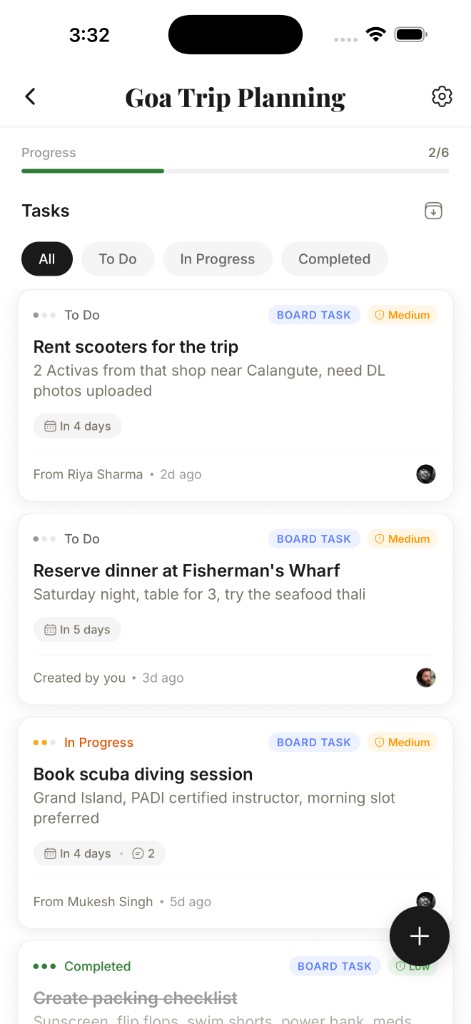
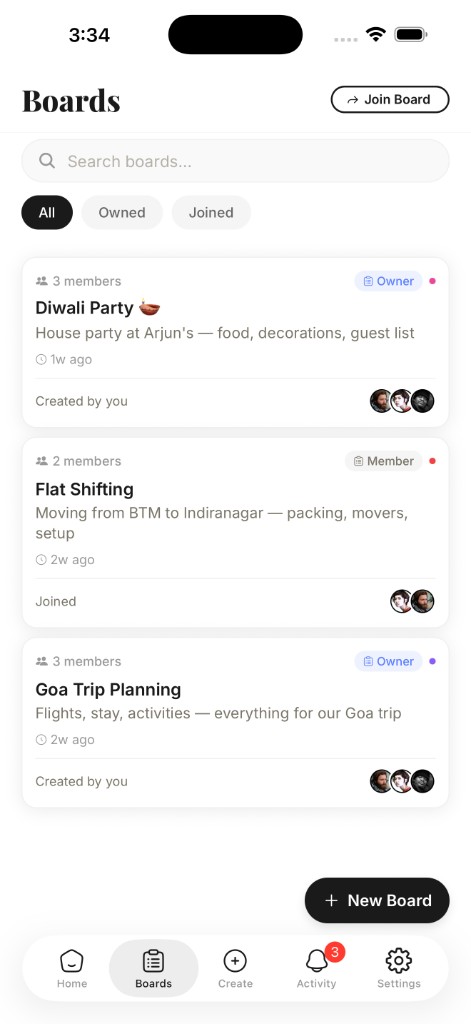
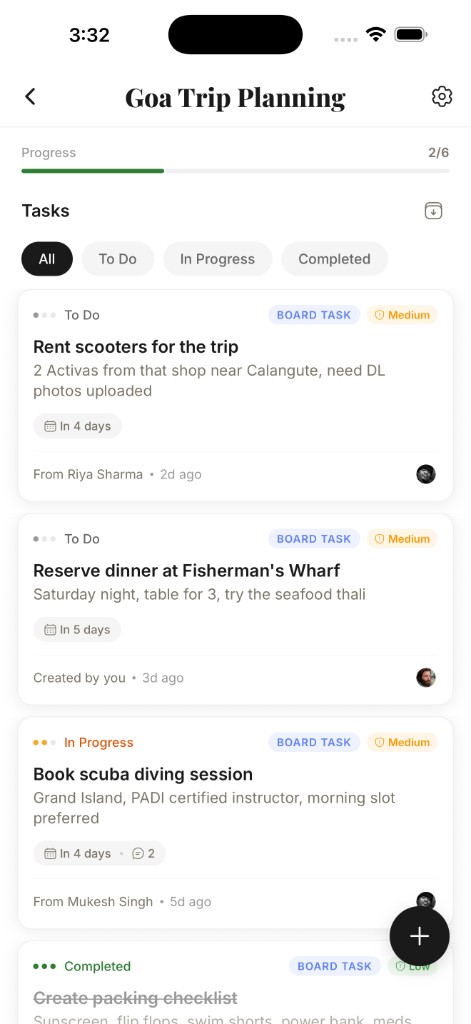
Create shared boards and invite teammates with a simple code. Control exactly who can read, create, update, or delete tasks with granular per-member permissions.
- Invite by code
- Granular permissions
- Approve requests
Your intelligent task assistant
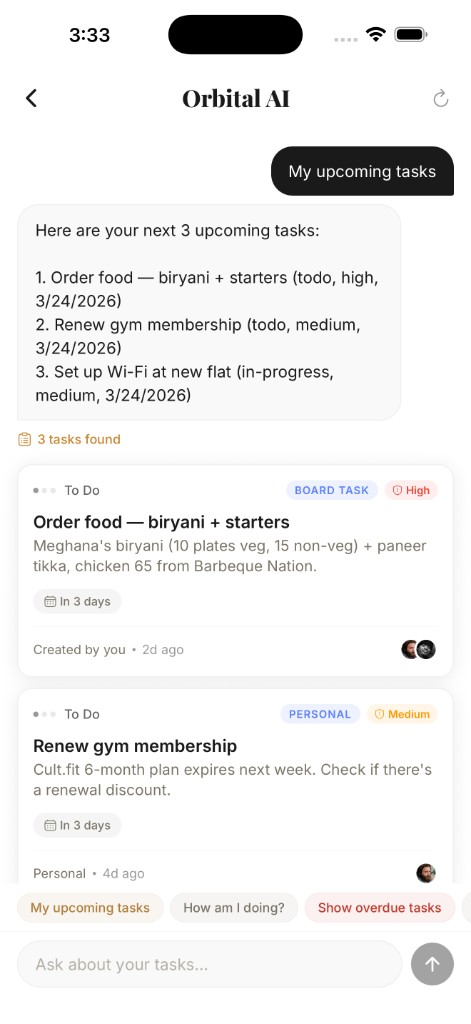
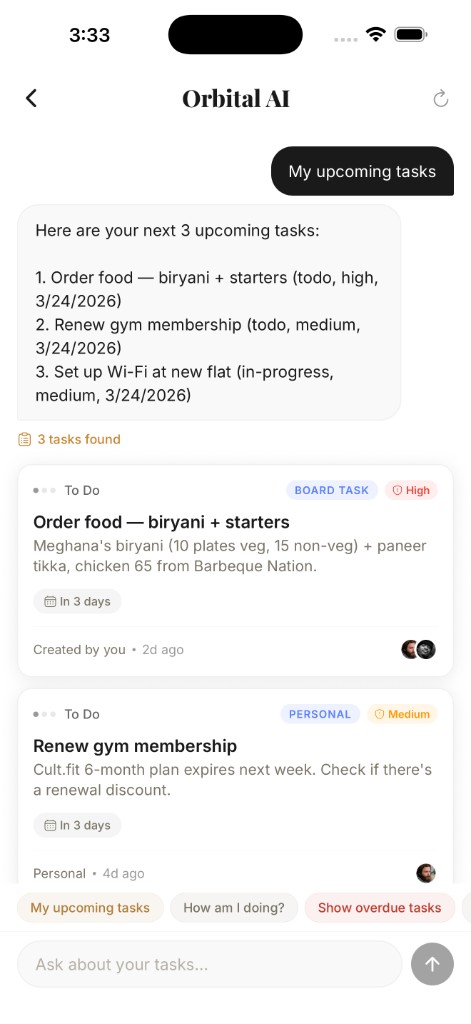
Ask Orbital AI anything about your tasks and boards. Get instant summaries, find overdue items, or discover what your team is working on — through a simple chat that links you straight to what matters.
- Instant summaries
- Find overdue work
- Inline task links
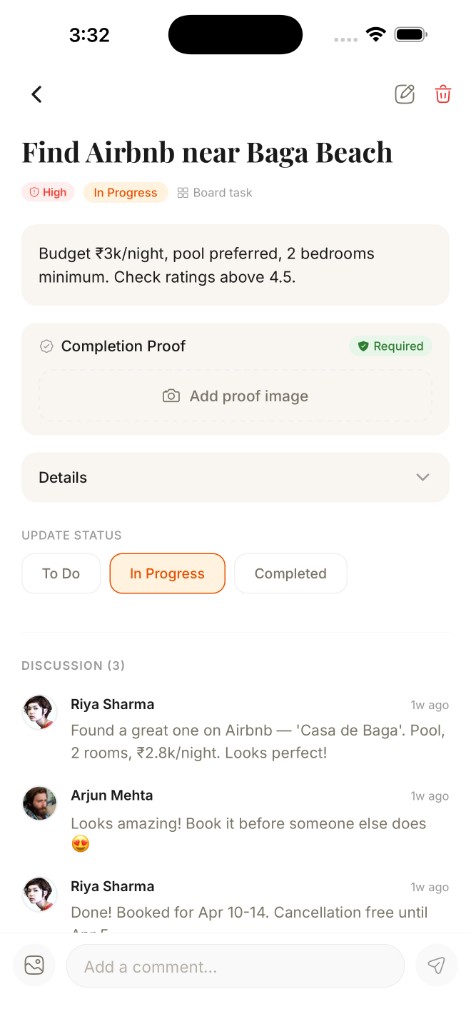
Discuss tasks without leaving the app
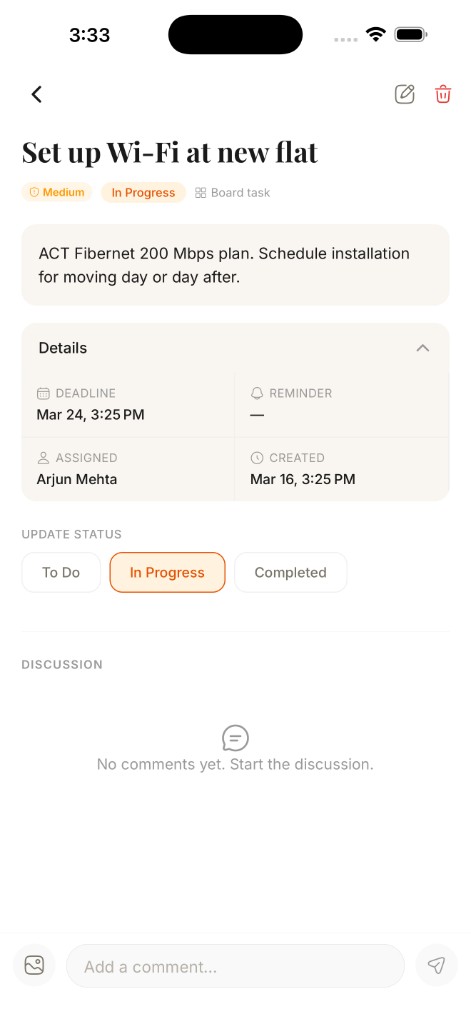
Add threaded comments to any task, @mention teammates to loop them in, and attach images for context. Read tracking lets you know exactly where you left off in every conversation.
- Threaded comments
- @mentions
- Read tracking
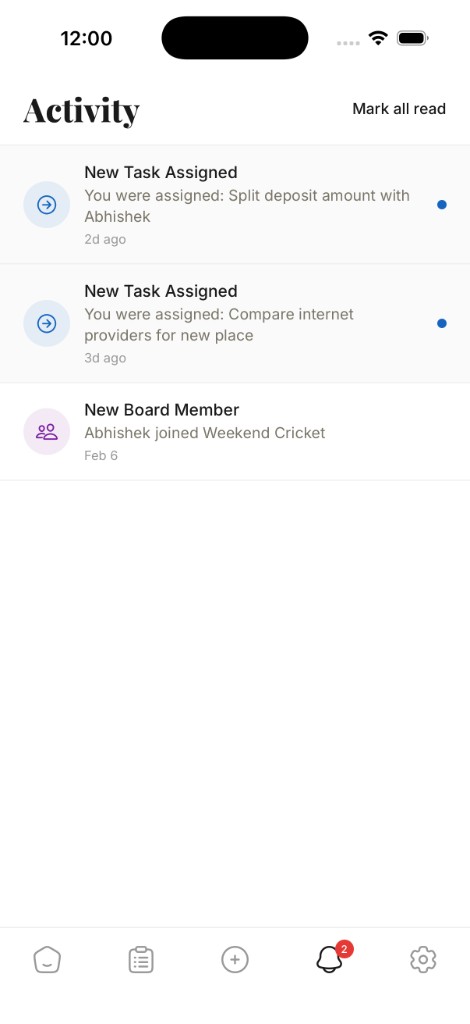
Never miss a beat
Push notifications keep you informed when tasks are assigned, statuses change, deadlines approach, or someone mentions you. Your activity feed is a single timeline of everything across every board.
- Push notifications
- Unified timeline
- Deadline alerts
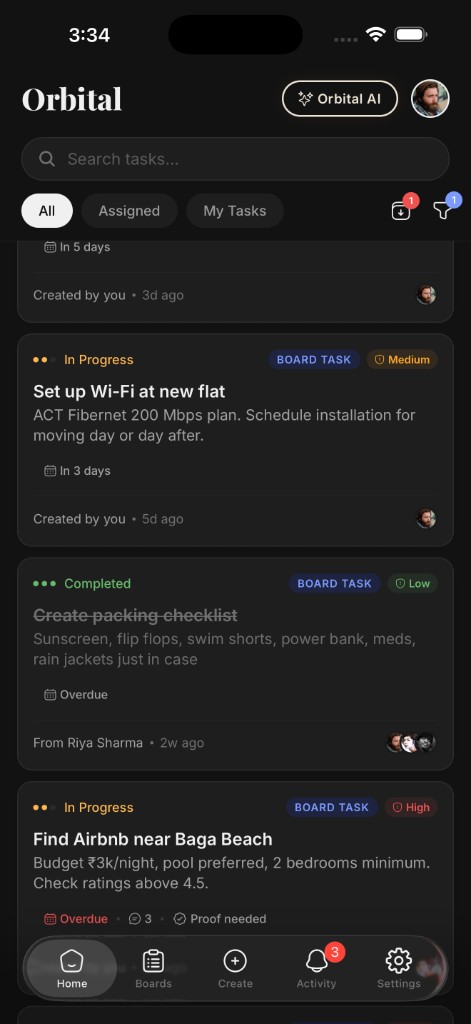
Easy on the eyes, day and night
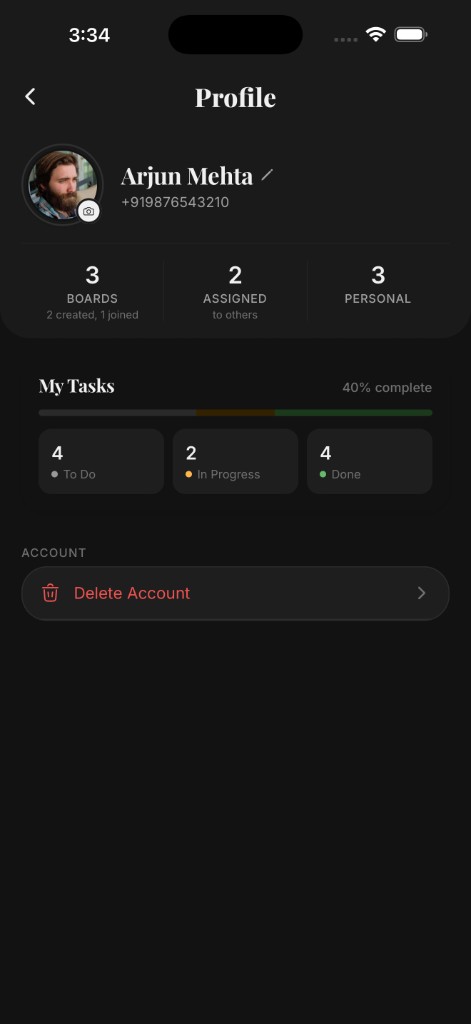
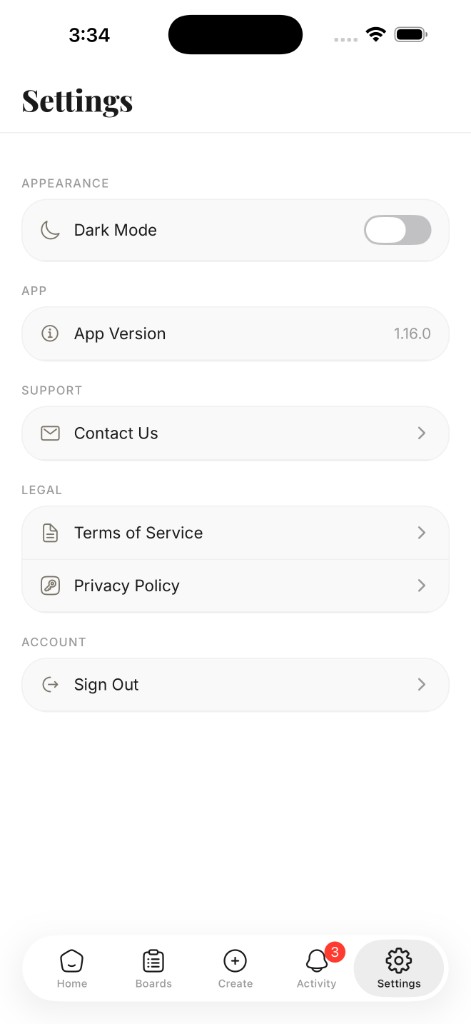
Switch to dark mode with a single tap in Settings. Every screen — tasks, boards, AI, and profiles — adapts seamlessly so you can stay productive in any lighting without straining your eyes.
- One-tap toggle
- Every screen
- OLED-friendly
Orbital AI is now Agentic
It doesn't just answer questions anymore. Orbital AI takes action — creating tasks, updating boards, and managing your workflow through natural conversation.
Talk to it like a teammate. It gets things done.
Creates Tasks for You
Describe what you need done and Orbital AI creates fully structured tasks — with priorities, deadlines, and the right assignees — across your boards.
Updates in Real Time
Ask it to mark tasks done, change priorities, reassign work, or move items between boards. It acts on your instructions instantly.
Finds What Matters
Ask about overdue items, blockers, or what your team shipped this week. Get answers with direct links to the tasks — no manual searching.
Understands Context
It knows your boards, your teammates, and your workflow. Ask follow-up questions naturally — Orbital AI remembers the conversation.
How It Works
Simple by design
Three steps to a more organized workflow. No complexity, no learning curve.
Create & Organize
Add tasks with priorities, deadlines, severity levels, and images. Require proof-of-completion and use advanced filters to find anything instantly.
Collaborate with Your Team
Create boards, invite teammates with a code, and set granular permissions. Discuss tasks with threaded comments, @mentions, and image attachments.
Stay Smart, Stay Informed
Ask Orbital AI to act on your behalf. Push notifications and your activity feed keep you in the loop on assignments, mentions, and deadlines.
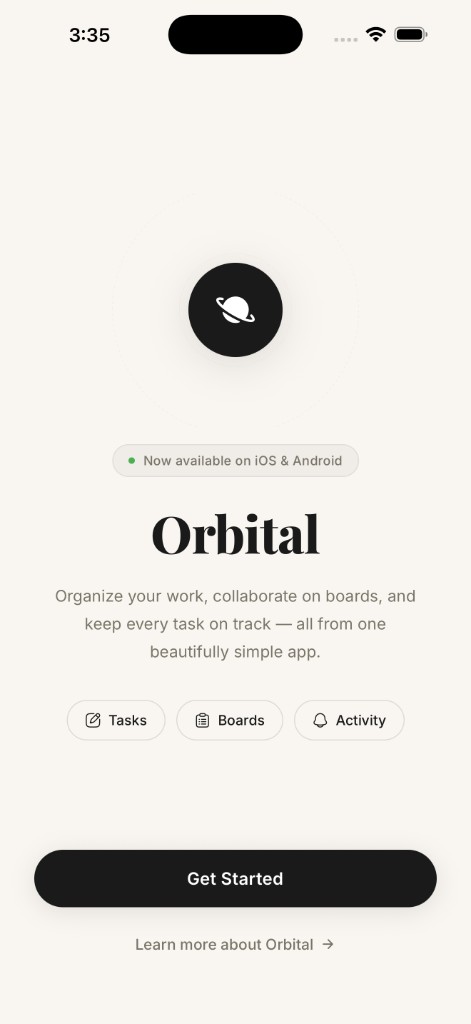
App Preview
A closer look
From onboarding to dark mode — every screen, crafted with the same care.
Yes — Orbital is free to get started. Create tasks, set up boards, invite your team, and chat with Orbital AI without paying a thing.
Ready to get organized?
Download Orbital and start managing tasks, collaborating on boards, and chatting with AI — all with your team. Free to get started.